

For business owners, founders, and decision-makers, choosing the right website platform is a big deal. You have three main options: the visual builder Webflow, the widely-used WordPress, or a fully Custom-coded solution. This isn’t just a technical choice for your team, it’s a business investment that affects how fast you launch, how much it costs, and how well your website can grow with your business.
Studies show over 70% of businesses regret their platform choice within 18 months (Gartner, 2025). This guide simplifies the decision with a clear, business-focused comparison of Webflow, WordPress, and Custom development for 2026.
1. Why Your Website Platform Matters More Than Ever in 2026
Your website is no longer just a brochure, it’s a revenue engine, a brand hub, and a customer experience center. The platform you choose affects:
- Speed to Launch: How fast can you run campaigns, launch products, or add new features?
- Total Cost of Ownership (TCO): Includes development, hosting, maintenance, and hidden scaling costs.
- Competitive Advantage: Can your site offer a unique experience that competitors cannot copy easily?
- SEO & Organic Growth: How easy is it to maintain strong page speed, good technical SEO, and adapt to search engine changes?
Decision Drivers in 2026:
| Business Goal | Why It Matters | Best Platform |
| Time-to-Market | Being first matters more than ever | Webflow (Fastest) |
| Budget Control | Predictable costs in uncertain markets | Webflow / WordPress |
| Unique Brand | Stand out from templated designs | Custom (Highest) |
| Team Skills | Must match your team’s experience | WordPress (Broad talent pool) |
| Scalability | Handle growth, traffic spikes, complex features | Custom / WordPress (Enterprise) |
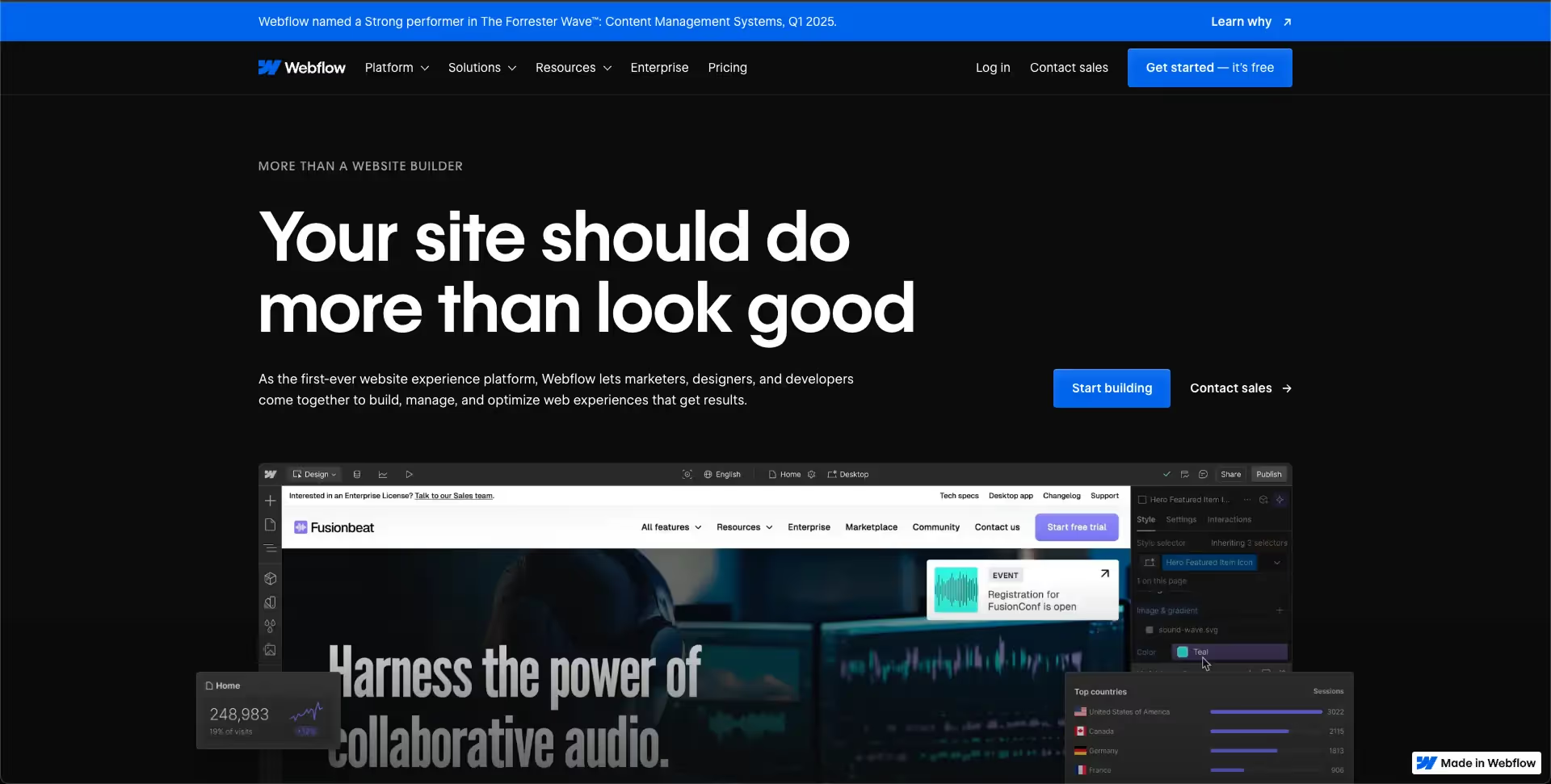
2. Webflow in 2026 – Fast, Visual, and Reliable
Webflow has grown from a designer’s tool to a full-featured business platform.
Why Businesses Choose Webflow:
- Fast Launch: Skip the handoff between designers and developers. Marketing sites can launch 60-70% faster than WordPress.
- Predictable Cost: Hosting, security, and CMS are included. No surprise plugin or hosting bills.
- Design Control: Designers can keep brand consistency without relying on a developer.
- Good Performance & SEO: Optimized hosting and clean code help achieve strong Core Web Vitals with minimal effort.
Risks & Limits:
- Vendor Lock-in: Moving away from Webflow is hard. You own your content, but not the setup.
- Complex Features: Not ideal for complex web apps, big marketplaces, or highly customized platforms.
- Talent Pool: Fewer experts compared to WordPress or general front-end developers.
- Limited Plugins: The marketplace is growing but smaller than WordPress.
“For startups needing a fast, beautiful site to validate a market, Webflow converts budget into presence faster than any alternative.” – Sarah Jensen, VC Partner, TechGrowth Capital
3. WordPress in 2026 – Flexible but Requires Care
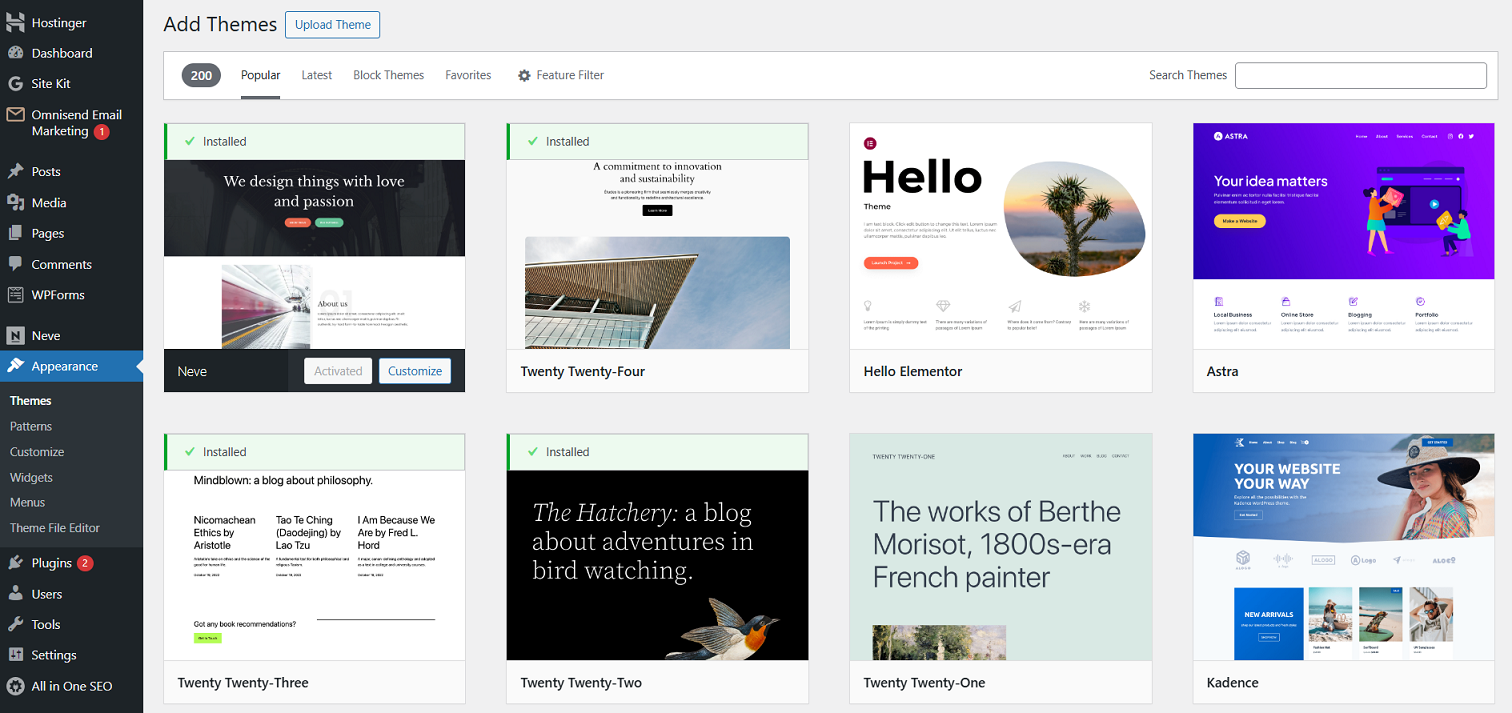
WordPress powers over 43% of the web. Its biggest strength—flexibility—is also its biggest weakness.
Why Businesses Use WordPress:
- Huge Ecosystem & Talent: Thousands of plugins, themes, and developers make it easy to find solutions.
- Ownership & Portability: You can host anywhere and fully control your code and data.
- Good Content Editing: Gutenberg editor allows marketing teams to create content easily.
- Scalable: With headless setup, enterprise hosting, and caching, WordPress can handle large traffic and complex sites.
Risks:
- Maintenance & Security: Open-source nature makes it a target. Around 90% of hacked CMS sites are WordPress (Sucuri, 2025).
- Performance Issues: Poorly built sites are slow. Optimizing for speed takes skill.
- Plugin Conflicts: Multiple plugins can break updates or slow your site.

4. Custom Development in 2026 – Maximum Control & Growth
Custom websites, built with modern frameworks like React or Vue.js, are the most flexible option.
Advantages:
- Unlimited Creativity: Build unique features, interactive experiences, or custom web apps.
- Peak Performance: Lean, fast code with excellent SEO performance.
- System Integration: Easy to connect with CRMs, ERPs, or other business systems.
- Scalable: Can grow infinitely with your business.
Risks:
- High Cost & Longer Timeline: Typically 3-5x more expensive and takes months longer than Webflow or WordPress.
- Need Specialized Talent: Developers are costly and harder to find.
- You Handle Everything: Hosting, security, bugs—all on your team.
- Content Editing: Some headless CMS systems can be less intuitive for non-technical teams.
5. 2026 Decision Matrix: Quick Comparison
| Criteria | Webflow | WordPress | Custom | Best For |
| Initial Cost | $$ | $-$$$ | $$$$ | Webflow/WordPress for tight budgets |
| Time-to-Market | Very Fast | Fast | Slow | Webflow |
| Ongoing Cost | Predictable | Unpredictable | High but predictable | Webflow |
| Design Uniqueness | High | Medium | Unlimited | Custom |
| Content Editing | Easy | Easy | Moderate | Webflow/WordPress |
| Scalability | Good | Excellent | Unlimited | Custom / WP Enterprise |
| Technical SEO | Good | Good with skill | Excellent | Custom |
| Core Web Vitals | Easy | Hard | Easy | Webflow |
| Security | Low | High | High | Webflow |
| Talent Availability | Growing | Vast | Niche | WordPress |
6. SEO Impact in 2026
Platform choice affects organic growth:
- Webflow: Easy to get good page experience scores. SEO basics included.
- WordPress: Full control, but requires optimization skills for speed and SEO.
- Custom: Perfect control—best for large sites and unique strategies.
“Custom-built sites maintain a 15-25% organic traffic advantage over templates 18 months after launch.” – Dr. Anika Patel, Moz SEO Labs
7. How to Decide in 2026 (webflow vs wordpress vs custom)?
Step 1 – Identify Your Primary Driver:
- Speed & Predictable Costs → Webflow
- Flexibility & Ecosystem → WordPress
- Unique Product / Scalable Moat → Custom
Step 2 – Check 3-Year Costs:
Include build, hosting, subscriptions, maintenance, security.
Step 3 – Test Future Growth:
Ask: Can this platform handle 10x traffic or a big new feature without a full rebuild?
Hybrid Strategy 2026:
- Webflow for marketing site & blog
- WordPress (headless) for content-heavy sections
- Custom web app for core product or customer portal
Match Platform to Purpose
There’s no universally “best” platform. Choose based on your business priorities, budget, and growth plans:
- Webflow: Fast, predictable, design-friendly. Accept some limitations.
- WordPress: Flexible, huge ecosystem. Requires skilled maintenance.
- Custom: Unlimited control, scalability, and performance. High investment.
The most expensive mistake isn’t paying more, it’s picking a platform that can’t grow with your business and forces a costly rebuild.
Sources:
- Forrester Research, 2026: The Total Economic Impact™ of Modern Web Development Platforms
- W3Techs, 2026 Q1: CMS Market Share Statistics
- Gartner, 2025: Avoiding Platform Regret for Business Leaders
- Moz, 2025: SEO Impact of Website Architecture
- Web Almanac, 2025: CMS Chapter